A node compositor for film and TV work that runs every node on the GPU. It opens Nuke .nk scripts and uses the panels, node names and shortcuts Nuke artists already know, with AI roto and matting, Cycles rendering and a review app in the same download.
Alpha · Linux, Windows and macOS (Apple Silicon) · unsigned test builds
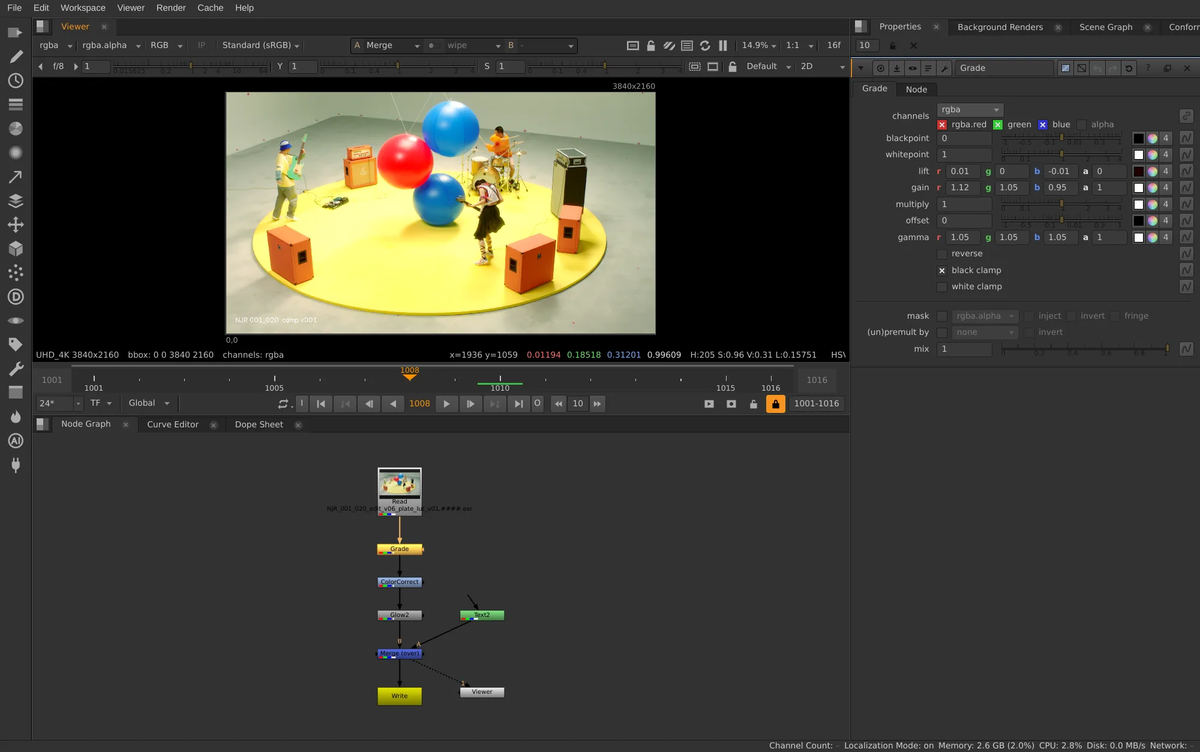
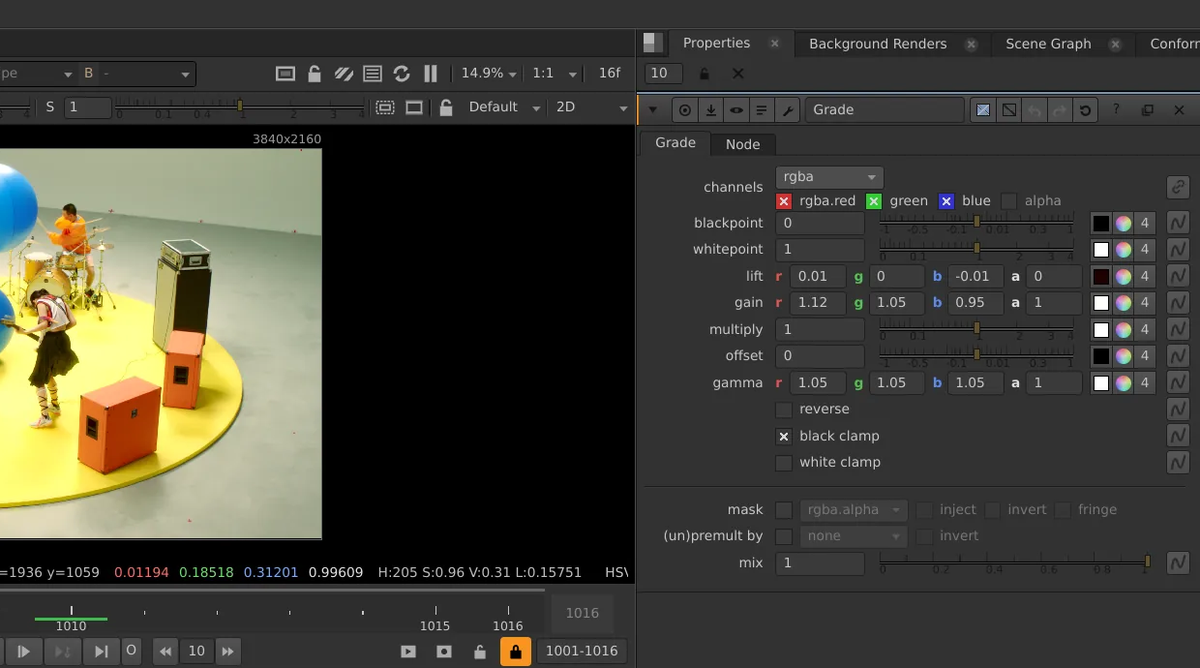
The compositor on an NJR plate: node graph, Viewer, timeline and a Grade's properties. Real app, real footage.
169node types
12AI nodes
36AI models, run on your GPU
309nuke Python functions
32-bitfloat, scene-linear, OCIO
Your hands already know it
The panel layout, node names, knobs and keyboard shortcuts follow Nuke's, so an artist can sit down and work. It opens Nuke .nk scripts, has a nuke Python module for your tools and gizmos, and runs OFX plugins in their own process.
Opens Nuke .nk scripts
Nuke-style shortcuts and panels
Python: import nuke works
OFX plugins, crash-isolated
AI that runs on your machine
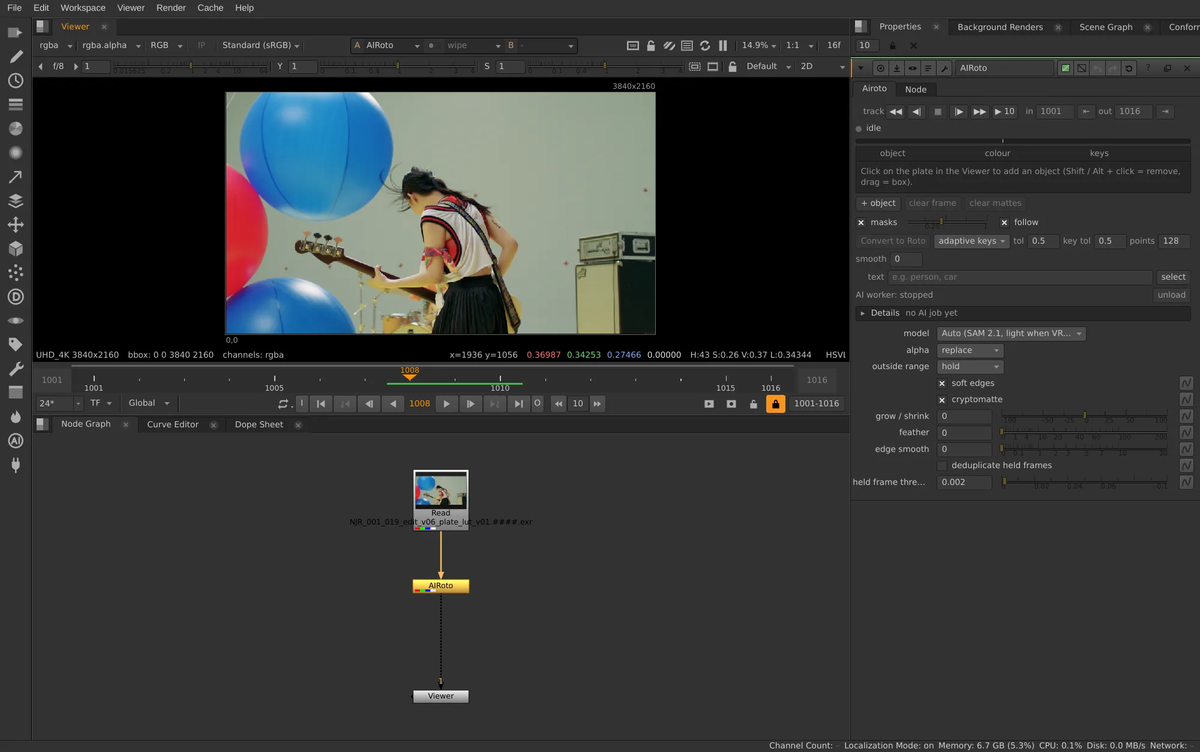
Click a person to get a tracked matte, then fix only the frames it flags. Depth, normals, relighting, motion vectors, upscaling, denoising, clean plates and generation are nodes like any other. Models run on your own GPU; frames never go to an online service.
AICleanPlate
AIDenoise
AIDepth
AIKeyer
AIMaterials
AIMatteRefine
AINormals
AIRoto
AIUpscale
AIVectorGenerator
GenFill
GenVideo
3D, Cycles and USD
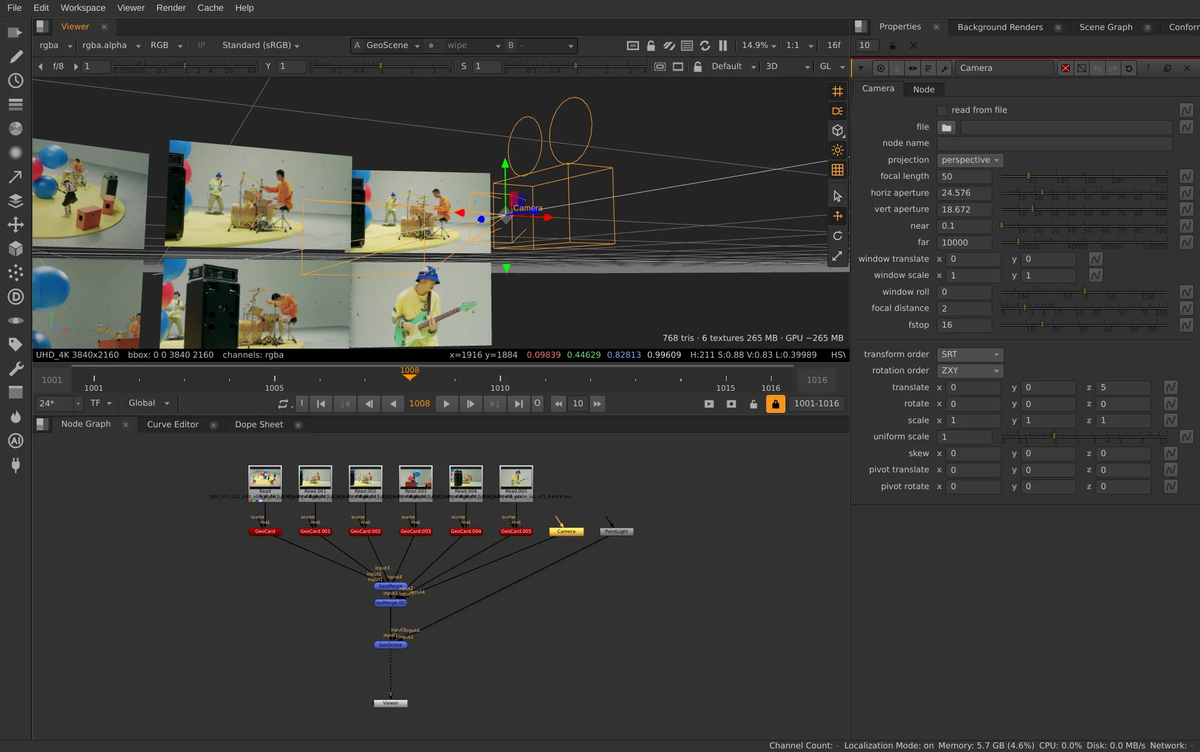
An interactive 3D view and Cycles as the main renderer, live in the Viewer or as a CyclesRender node with GPU denoising. Imports USD, Alembic, FBX and OBJ. Karma works with your own Houdini.
Cycles and USD rendering ship in the Linux build today; macOS and Windows get them later.
Review and editorial in the box
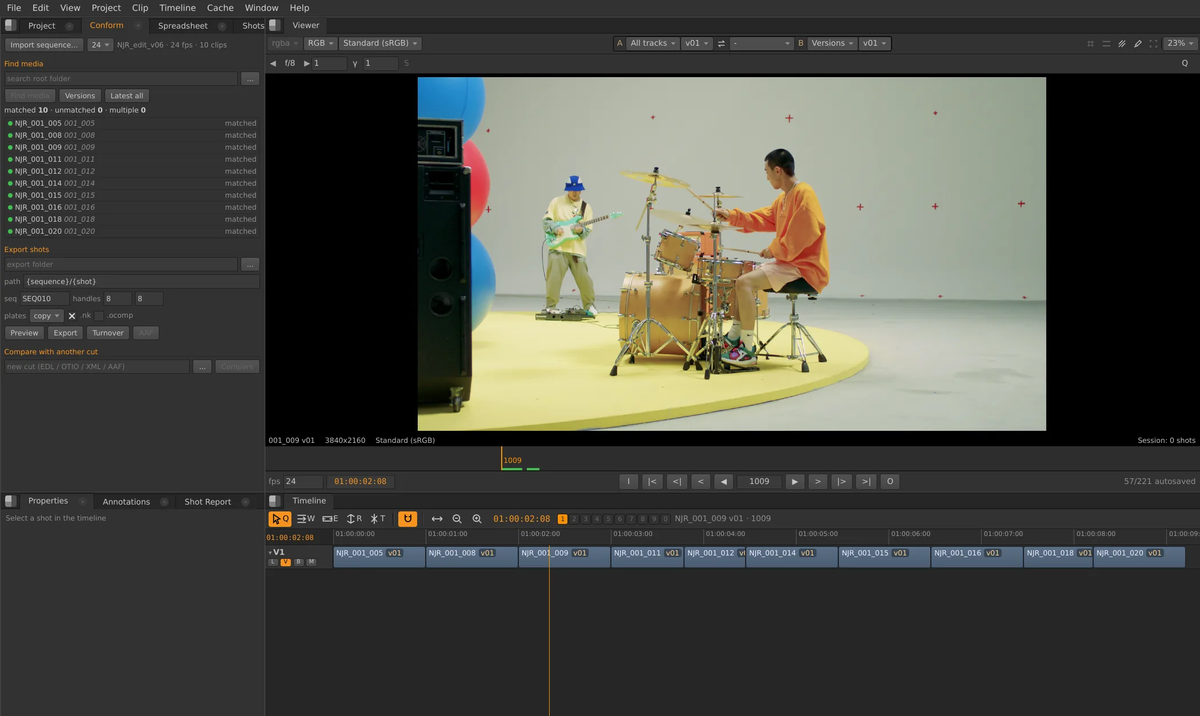
A separate Review app with a multi-track timeline: conform EDL, OTIO, XML and AAF, compare versions, annotate, and export shots with comp files. Notes from review show up in the compositor's Viewer.
Every node is a shader
Each node is a GLSL shader on 32-bit float images with a C++ core for evaluation and caching. Scene-linear colour through OpenColorIO.
Renders on the farm you have
A command-line renderer with Nuke-style flags and exit codes, plus OpenCue, Flamenco, Deadline 10 and Open Job Description integrations, and a built-in network farm.
Agents, with your approval
An AI Assistant and an MCP server let outside agents use the same tools. Every change is proposed first; the artist approves it.
Studio-safe by default
No telemetry. An offline policy that blocks every network request. Model licences shown and accepted per user, never bundled.
Specs
Platforms
Linux x86-64 (glibc 2.34+, tested on Rocky Linux 9) · Windows x64 · macOS 14+ on Apple Silicon
Graphics
OpenGL 4.6 (Linux) · DX12 / Metal through wgpu (Windows, macOS). An NVIDIA card (CUDA / OptiX) for GPU Cycles and the AI tools. CPU rendering works with no GPU.
Download the build for your system above. It runs next to anything else; nothing on your machine is changed beyond its own folder, menu entries and file type.
Stay current
The app checks this page for new builds and offers to install them. Help > Check for Updates... checks right away.
Tell us what broke
Help > Report a Bug... writes an email to support@megasupersoft.com with a diagnostic bundle you can read before sending. Say what you did, what you expected, what happened.
Nothing is sent automatically: no telemetry, no crash upload. Logs and crash files stay on your machine until you send them.
Questions
Is it free?
The alpha builds cost nothing to download and test.
Is it open source?
No. Oink is proprietary software by MegaSuperSoft. It includes open-source components (FFmpeg, OpenImageIO, OpenColorIO, Cycles, Electron and others); their licences and source are listed with every download.
Can I open my Nuke scripts?
Yes, .nk scripts import: nodes, knobs, expressions and links are translated, and anything that cannot be is listed. Save the result as an .oink comp.
Do I need Blender?
No. Blender 5.2 LTS is optional and only adds EEVEE renders and opening .blend files.
Which graphics card?
Any GPU with OpenGL 4.6 (Linux) or DX12 / Metal runs the compositor. GPU Cycles renders and the AI tools want an NVIDIA card; everything also runs on the CPU, slower.
Does it send my footage anywhere?
No. AI models run on your own GPU. The only online parts are downloads you start (models, updates), and a studio offline policy can block even those.
Why does Windows / macOS warn about it?
Alpha builds are not code-signed yet, so the system warns once. The first-launch steps above get past it.
Try Oink on a real shot
Download the alpha, open a plate, and tell us what got in your way.